How to record a spray, fertiliser or other field job, and download your spray records
Record a spray with product, MAPP number, rate, operator certificate and weather. Accept agronomist advice as a job and download spray records as PDF or CSV.
Last checked against gov.uk
- Written by
- The AgriSync team
- Published
- Reading time
- 3 minutes
Works in the web app, on a computer or in your phone's browser. Field records are not in the Android app yet.
In short
In AgriSync, open Field records and tap Spray. The field and the time are filled in. Add the product, its MAPP number from the label, the rate and the operator's certificate, check the weather, and press Save record. To download your records for an inspection, open the Spray records tab and press Download PDF or Spreadsheet (CSV).
What you need
- Your fields in AgriSync
- To be a farm owner, farm manager or worker
- The product label (for the MAPP number and rate) and the operator's certificate number
Steps
- 1
Open Field records
In the menu, under Fields, choose Field records. Or open a field's page and use its Field records link, so that field is picked for you.
- 2
Pick the job
Tap Spray. The other buttons work the same way: Fertiliser, Muck or slurry, Drilling, Cultivation, Harvest and Other job.
- 3
Fill in the spray
Leave Done already picked. Tap the field or fields you sprayed. Under Used before — tap to fill, tap a product you used last time, or type the Product, MAPP number, Rate and water volume. Add the target, the operator's certificate number (NPTC or PA) and the sprayer.
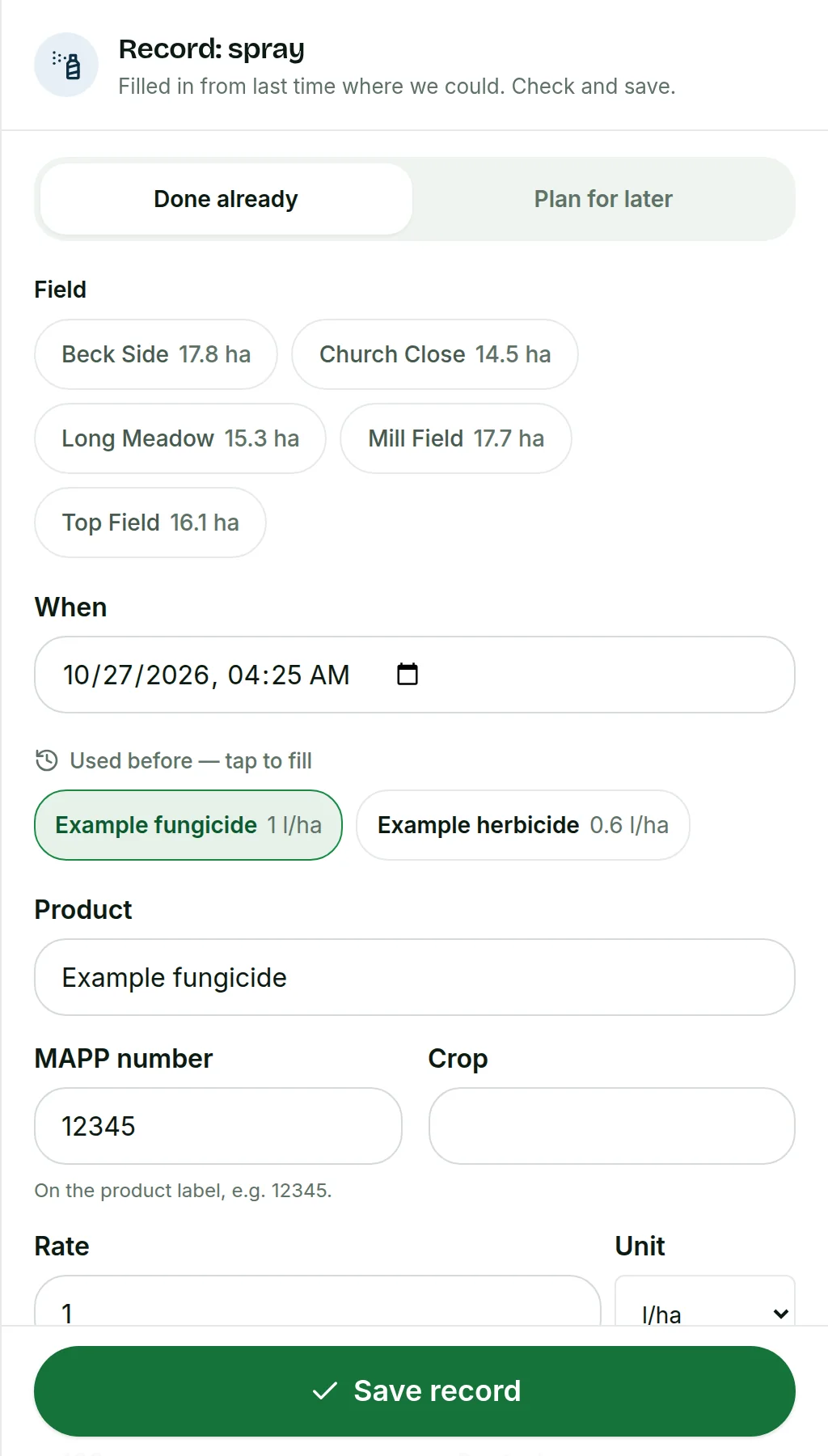 Tap to see the whole screen(opens the full-size picture)
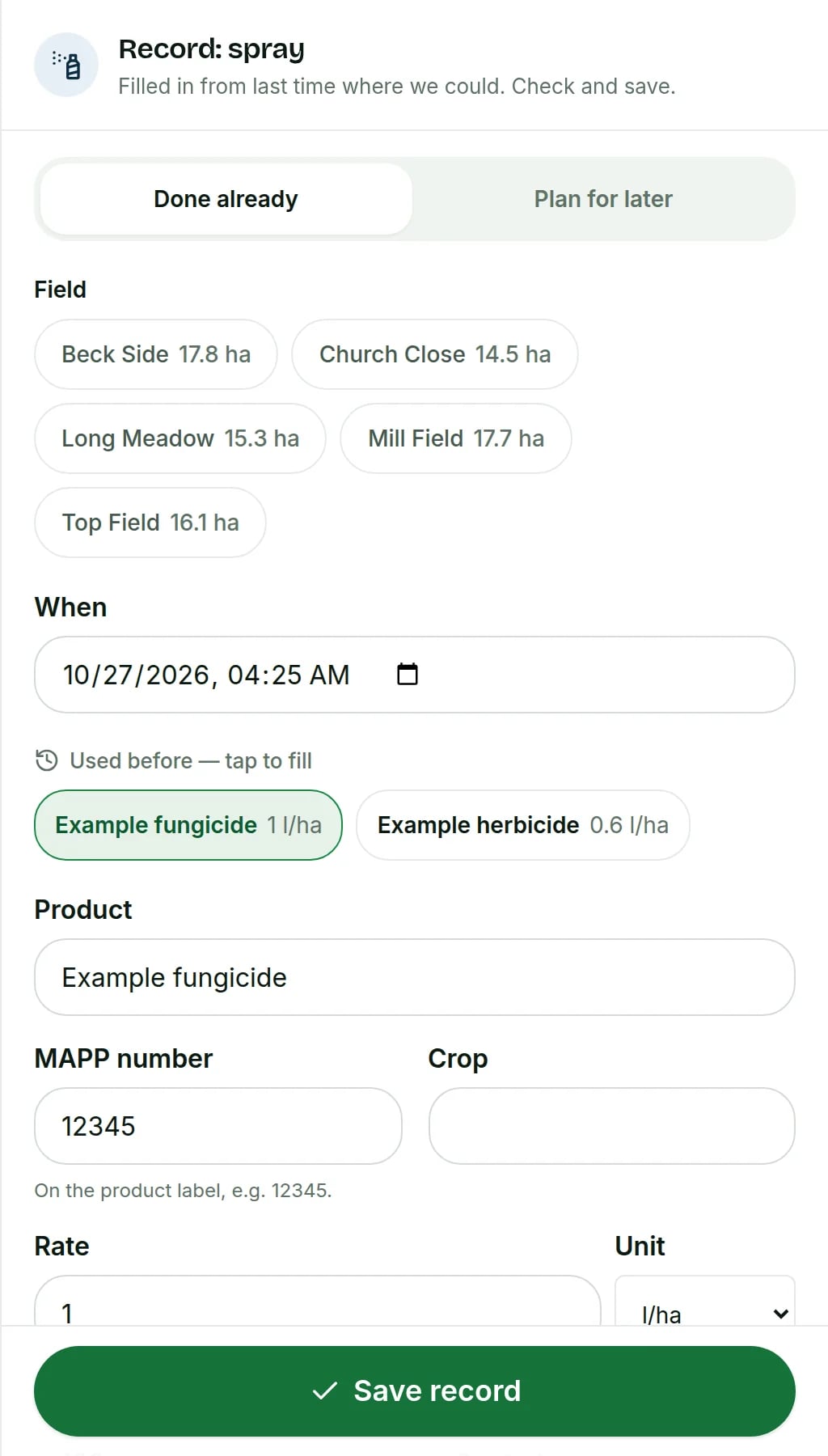
Demo farm in the AgriSync test environment. - 4
Check the weather and save
For a spray, AgriSync offers the wind and temperature from weather data for your farm. Check them, change them if they're wrong, then press Save record.
- 5
Look back at a record
Each record shows in the list under Records. Tap one to see everything you saved. Press Change to correct it, or Remove to delete it.
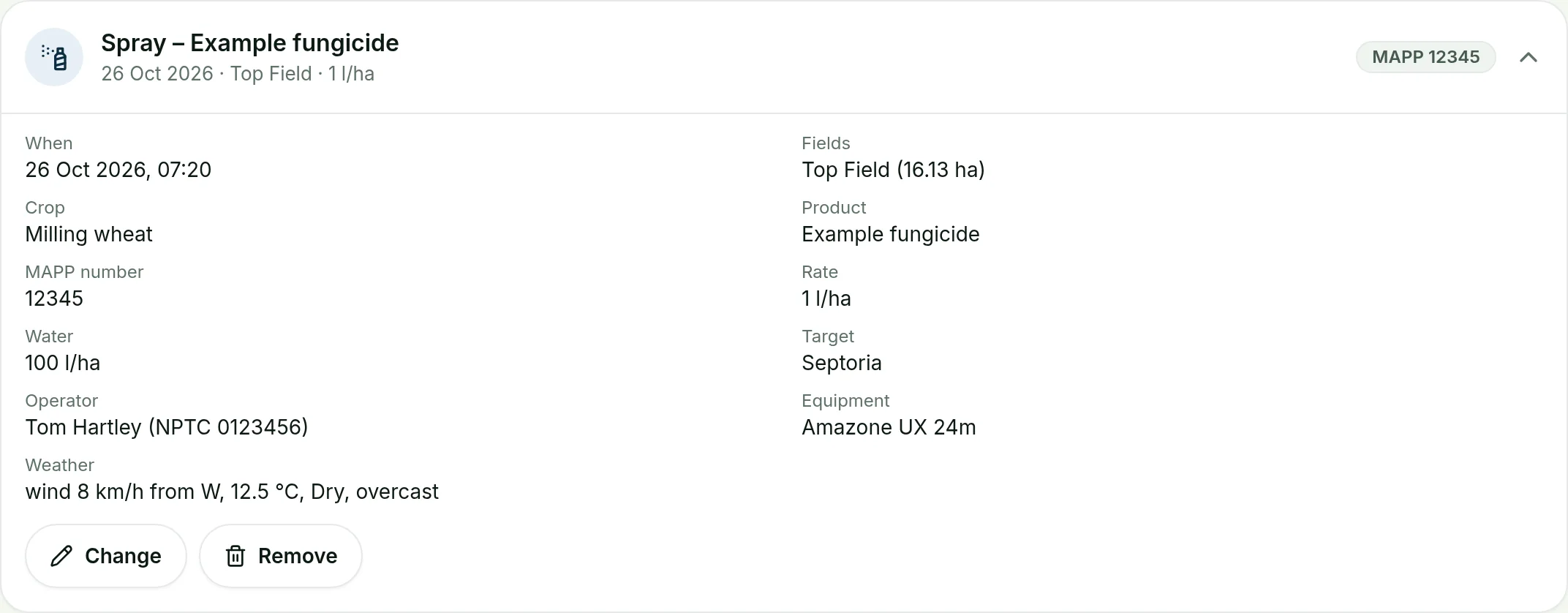 Tap to see the whole screen(opens the full-size picture)
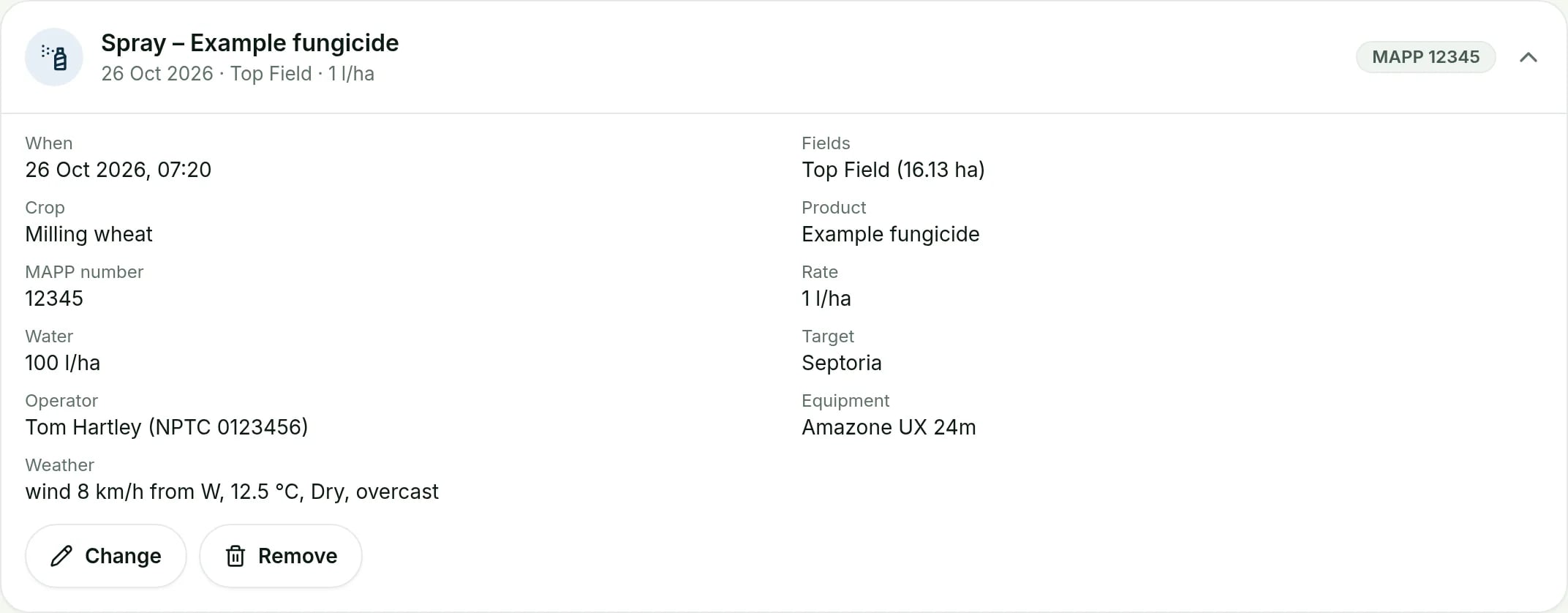
Demo farm in the AgriSync test environment. - 6
Download your spray records
Open the Spray records tab. Pick This year, Last 12 months or Last year, or set your own dates. Press Download PDF for an inspector, or Spreadsheet (CSV) for Excel.
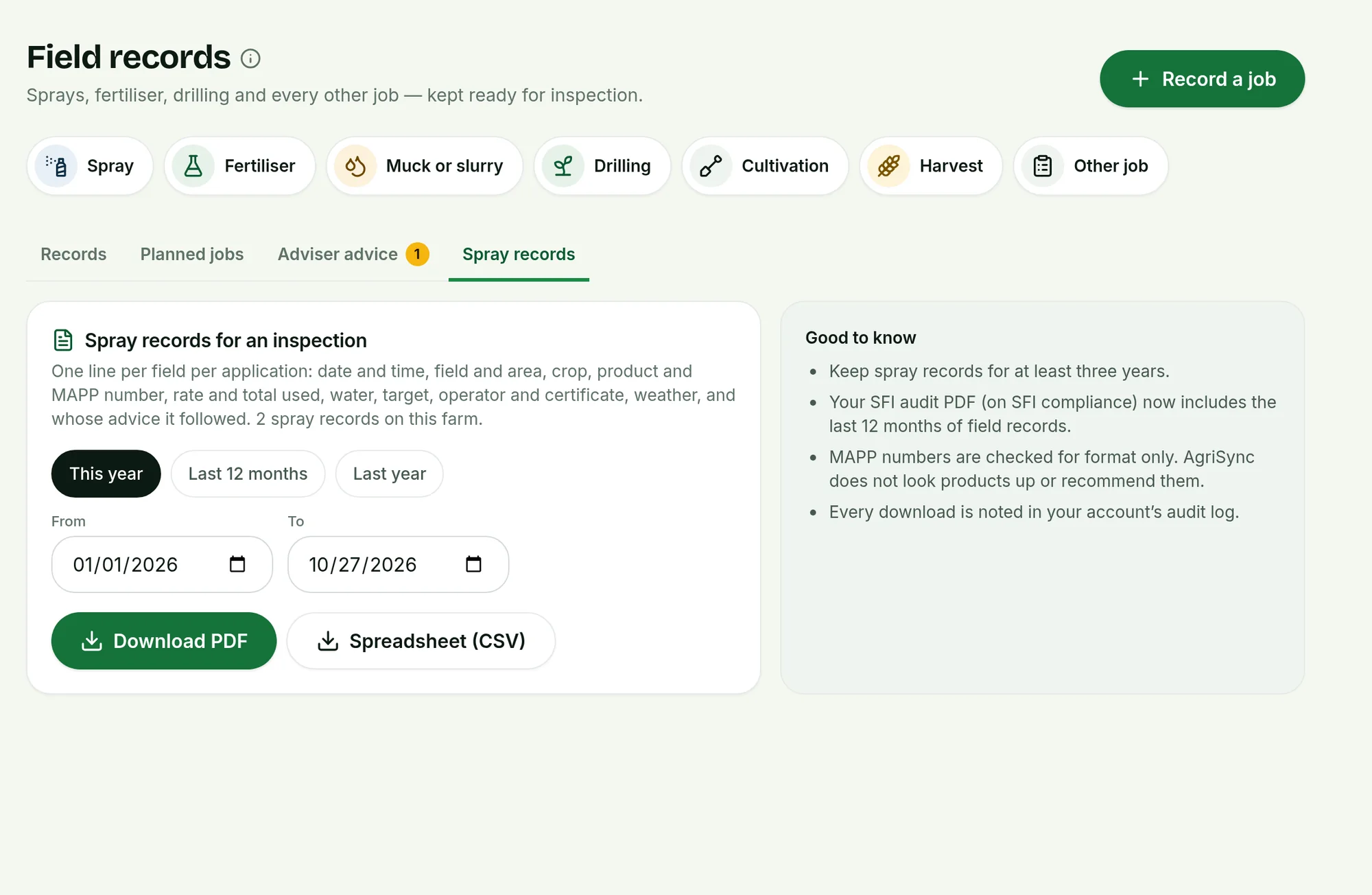 Tap to see the whole screen(opens the full-size picture)
Demo farm in the AgriSync test environment.
How do I turn my agronomist's advice into a job?
If you share your farm with an agronomist, they can send you spray or fertiliser advice. It appears under Adviser advice, with their name and qualification. Choose who should do it under Give the job to, then press Accept and plan. AgriSync makes a planned job with the product and rate copied in. Press Decline if you don't want it.
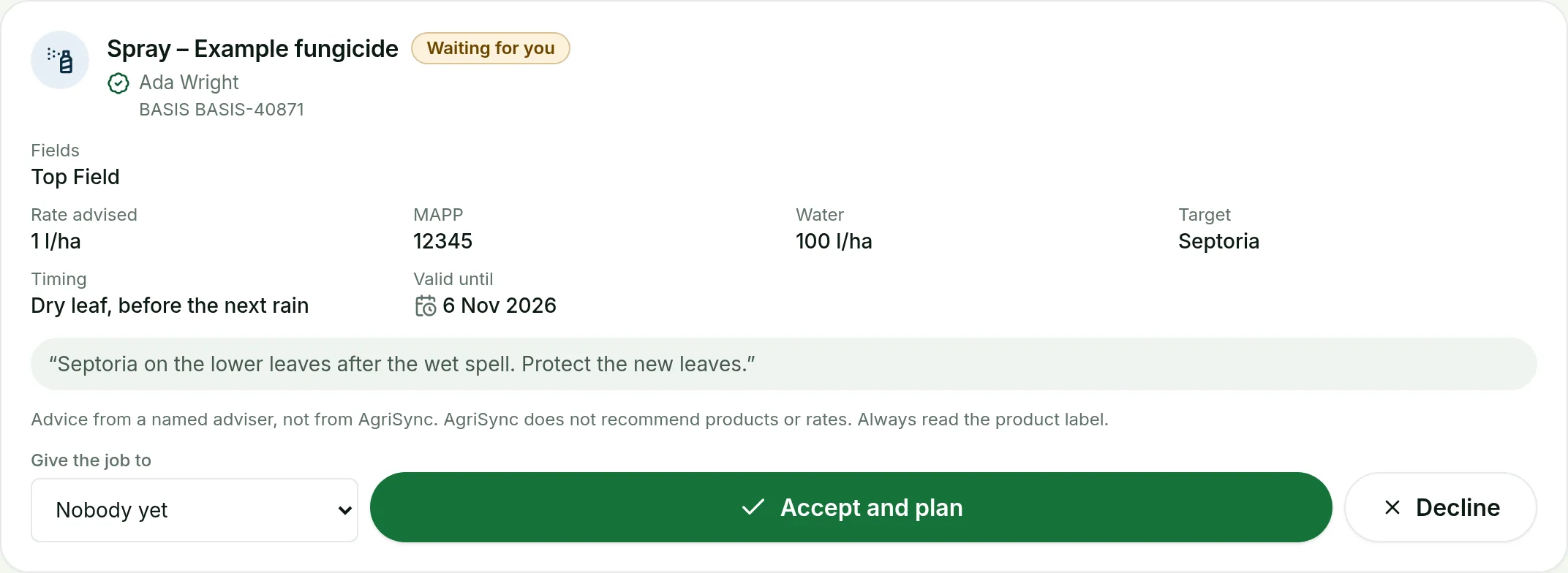 Tap to see the whole screen
The person you give it to sees it in their jobs. When they mark it done, they record what was actually used. That can differ from the advice.
What does a spray record keep?
| Part | What it records |
|---|---|
| When | Date, start and finish time |
| Where | Field, and the area treated in hectares |
| What | Crop, product, MAPP number, rate, total product used, water volume, target or reason |
| Who | Operator and their certificate (NPTC or PA), sprayer or equipment |
| Weather | Wind speed and direction, temperature and notes |
| Advice | The adviser's recommendation, if the job came from one |
Your SFI audit PDF also lists your field records for the last 12 months. Nitrogen from fertiliser records, and fuel you record, go into your carbon estimate too.
Common questions
Can a worker record a spray?
Yes. Farm owners, managers and workers can record jobs. Only owners and managers can plan jobs, give them to people or accept advice.
What if the operator leaves the farm?
A done record keeps the operator's name and certificate, because it is the farm's legal record.
Can I plan a job for later?
Yes, if you're an owner or manager. Pick Plan for later, choose who does it and when.
Keep going
Try it on your own farm
Free during early access. Start on your own, or we'll phone you and set up your fields with you.