Work with your agronomist or land agent
How it works
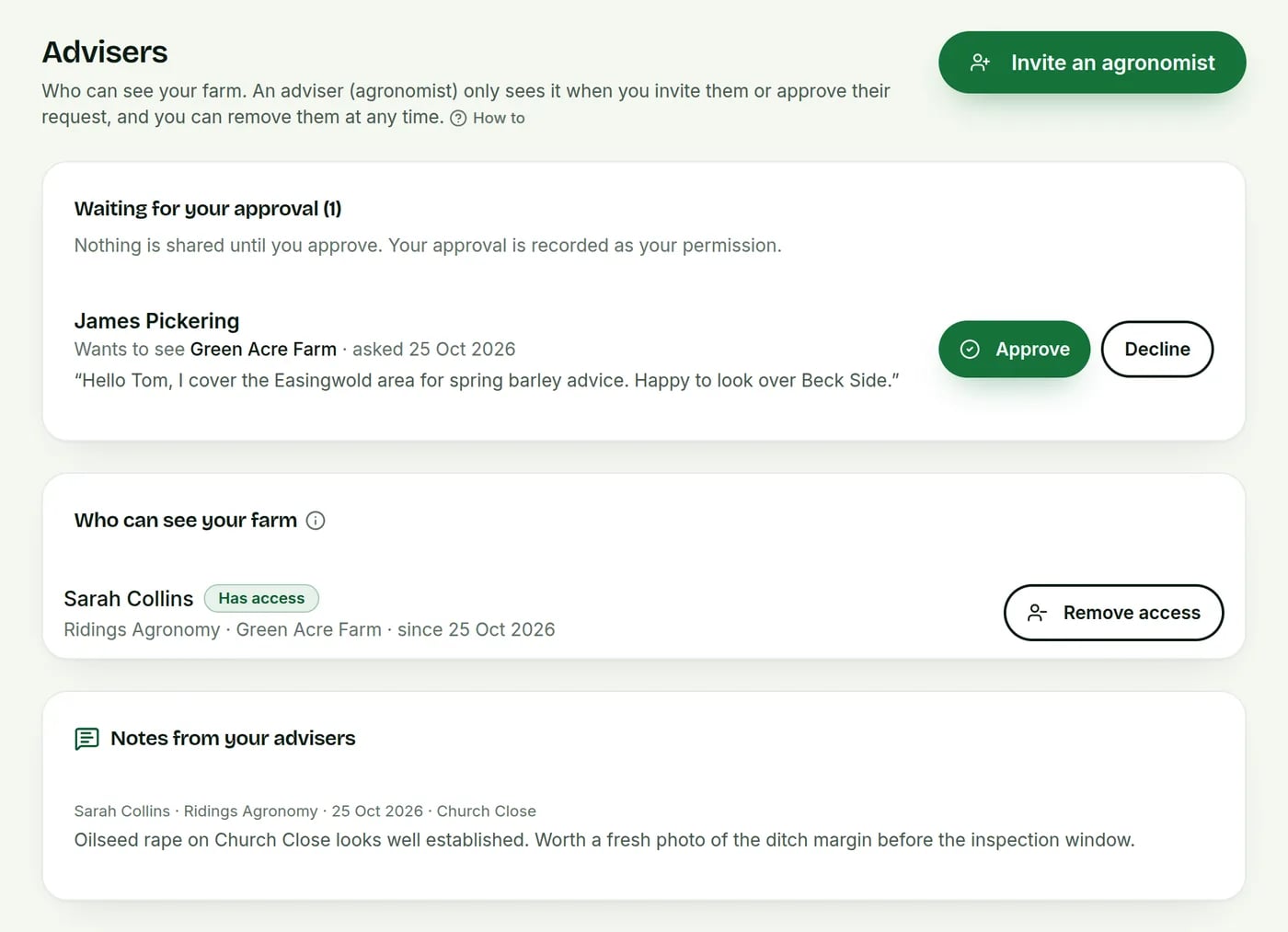
In the web app and the Android app. In the app, farmers can share a farm and give the separate yes for compliance and evidence, and advisers can see farms and sign off plans. Advisers send written advice from the web app only.
Invite by email
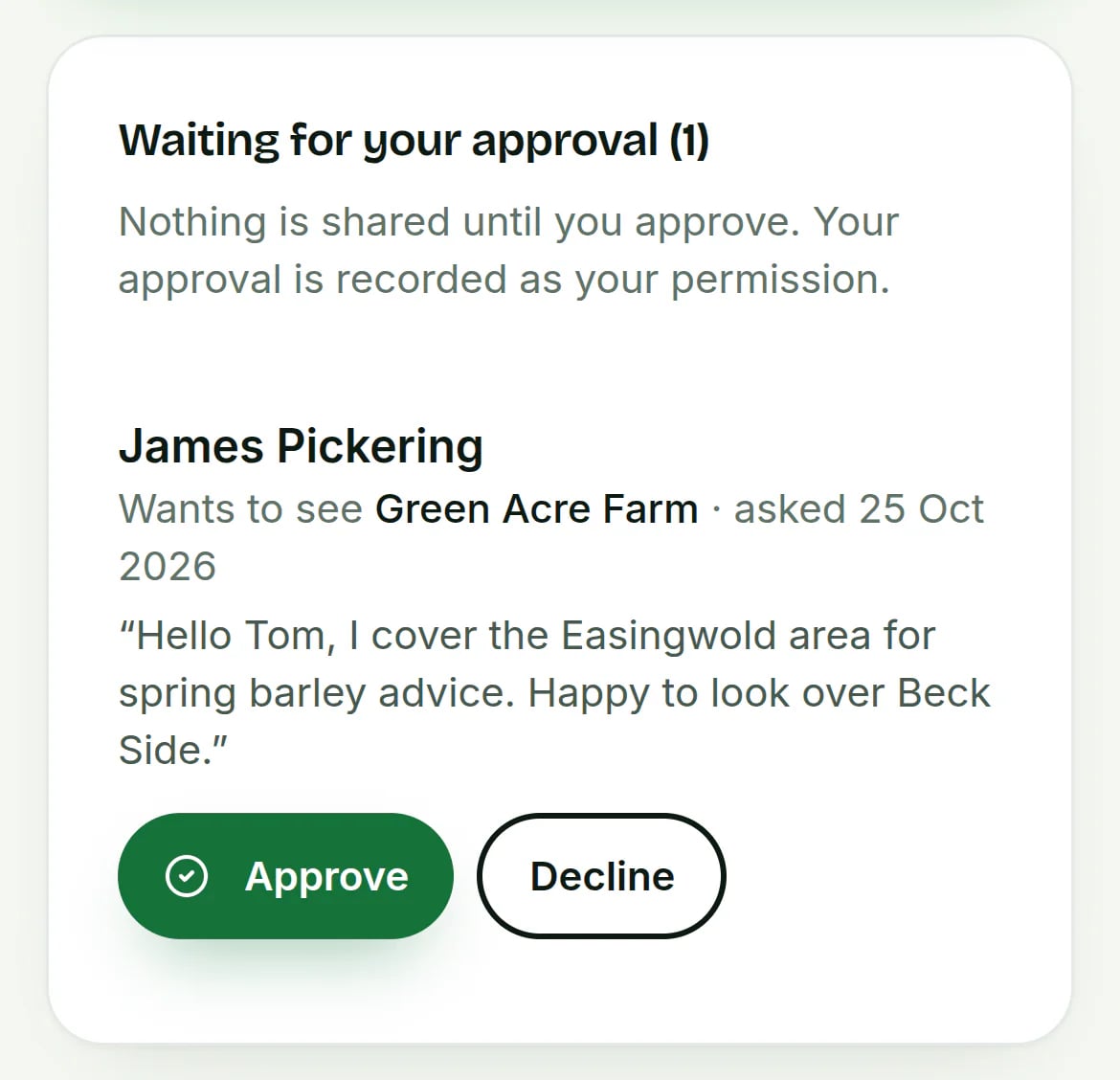
Enter their email on the Advisers page, or approve their request.
Choose what they see
Crop checks and notes. SFI records only if you allow it.
Work together
Notes, sign-offs and advice show on your farm pages.
What your adviser can do
- Sign off your plansBASIS or FACTS advisers sign off IPM or nutrient plans, in your audit PDF.
- Send spray and fertiliser adviceNamed, dated advice. Accept it and it becomes a team job.
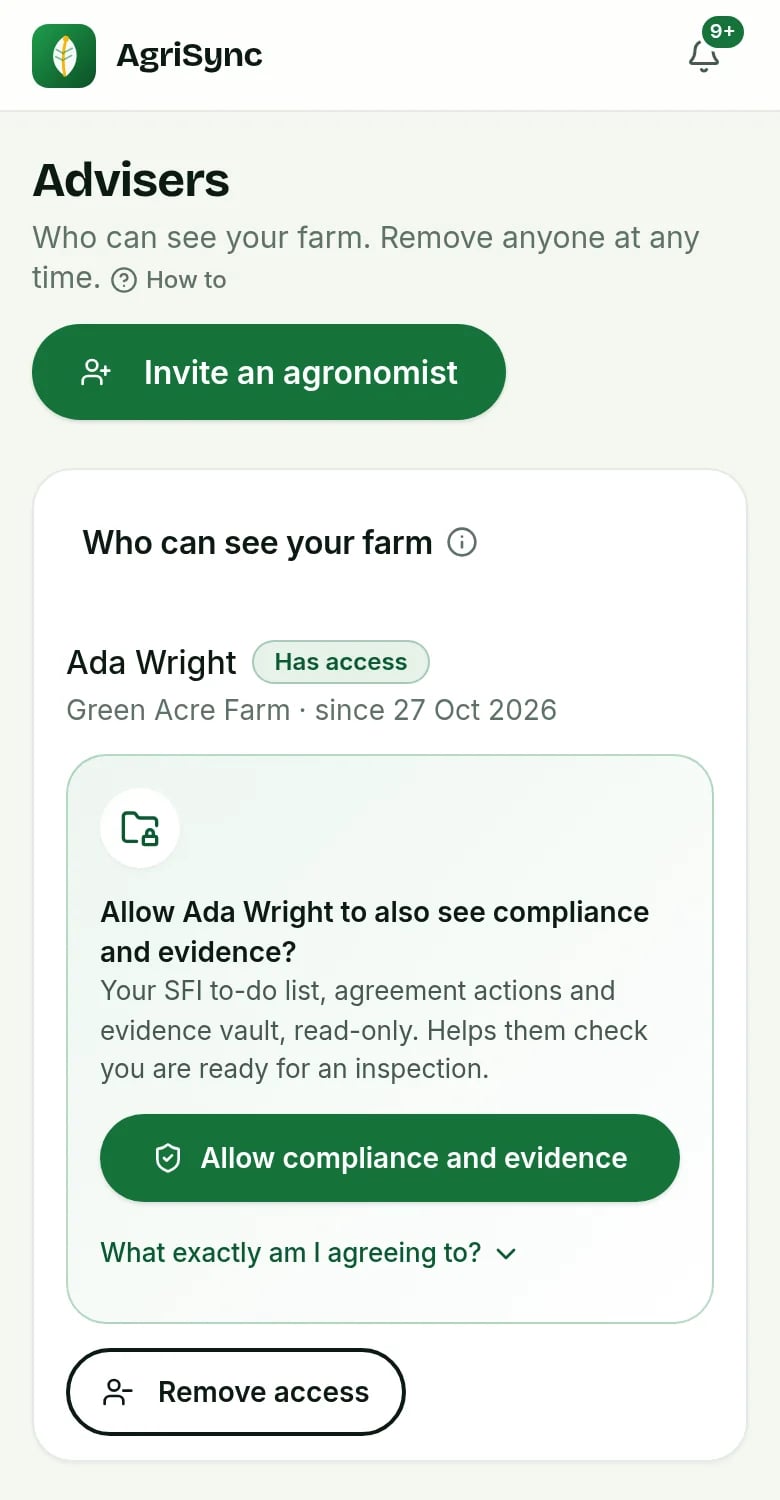
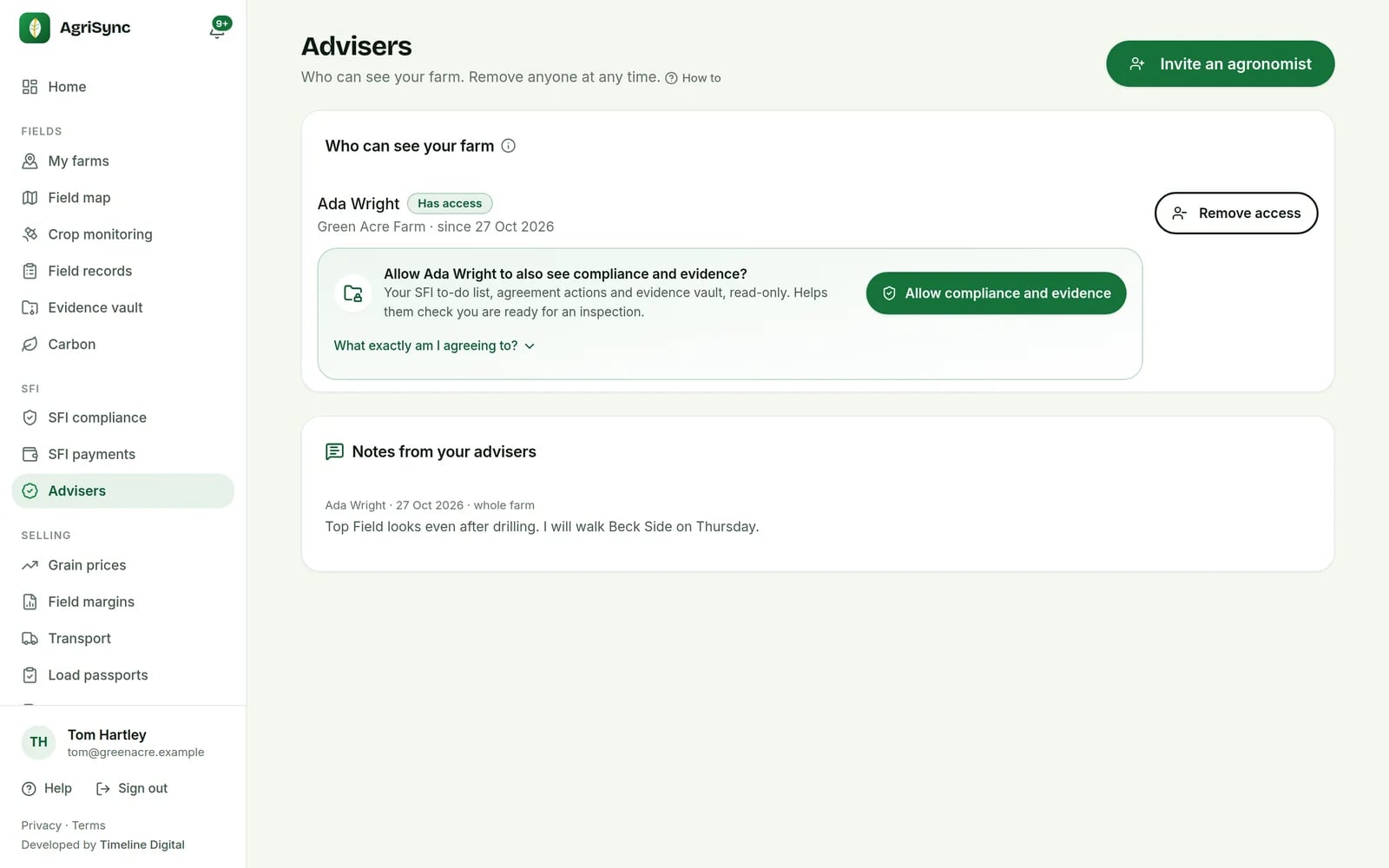
- See compliance, only with your yesA separate yes shows SFI records. They can't change anything or see payments.
- Agronomy companiesCompany admins see all farms their agronomists advise.
- Your own agronomistAdd them to your team as Agronomist: read-only, notes, sign-offs.
- Take it back any timeStop sharing or remove the adviser. Works straight away.
Common questions
What can I do with Advisers in AgriSync?
Invite your agronomist or land agent by email, or approve their request. They see that farm's crop checks and can leave you notes. They can sign off your plans and send you spray or fertiliser advice. If you give a separate yes, they can also see your SFI to-do list and evidence, read-only. You can stop either at any time.
What do I need to use it?
Your adviser's email address. It is free during early access.
Does my adviser need to pay?
No. Advisers use AgriSync free during early access.
Can they change my records?
No. Advisers can look, leave notes, sign off plans and send advice. They can't change your farm, fields, SFI records or loads.
Can my adviser see my SFI to-do list?
Only if you give a separate yes. On the Advisers page, press Allow compliance and evidence. They then see the to-do list, field checks, agreement actions and evidence, read-only. Press Stop sharing compliance and evidence to take it back. Their crop access stays unless you remove them.
Is a plan sign-off checked?
The sign-off shows the adviser's BASIS or FACTS number and says whether AgriSync has checked it. Only a checked number is shown as checked.
How-to guides
Free during early access
Try it on your own farm
We'll phone you and set up your fields with you, or you can start on your own. No card needed.